Close Menu
  • HOME
  • HOW-TO
  • VIRTUAL MACHINES
    • Virtual Box
    • VMware
  • WINDOWS
  • MAC OS
  • TOP 10
What's Hot

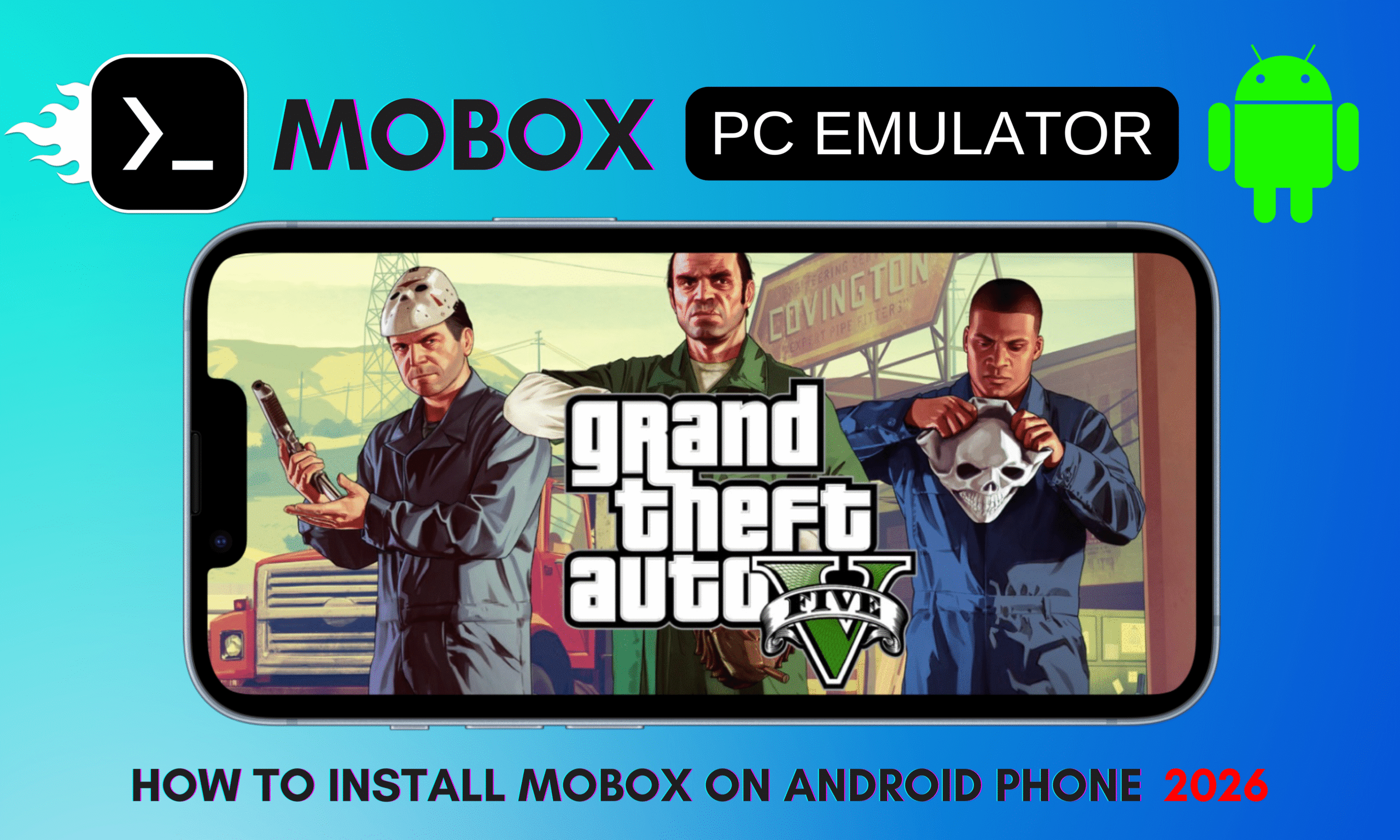
How to Install Mobox Windows Emulator on any Android Phone

December 1, 2025

How to Install macOS Tahoe on Windows PC

August 2, 2025

macOS Tahoe 26 Supported Macs

June 9, 2025

Subscribe to Updates

Get the latest creative news from FooBar about art, design and business.

Facebook X (Twitter) Instagram
EtechboxEtechbox
  • HOME
  • HOW-TO
  • VIRTUAL MACHINES
    • Virtual Box
    • VMware
  • WINDOWS
  • MAC OS
  • TOP 10
Custom EFI
EtechboxEtechbox
Home » How to Install Mobox Windows Emulator on any Android Phone
How-to

How to Install Mobox Windows Emulator on any Android Phone

Goddowell TeemaBy Goddowell TeemaDecember 1, 2025No Comments1 Min Read
Share Facebook Twitter Pinterest LinkedIn Tumblr Reddit Telegram Email
mobox on android
Share
Facebook Twitter LinkedIn Pinterest Email

Follow this guide to Install Mobox PC Emulator on your Android Device and Play most PC Games on your Android phone without rooting your phone.

Table of Contents

Toggle
  • Required Files
  • STEPS:
    • System settings
  • Termux-X11 preferences
  • Compatible Android Devices

Required Files

  1. Termux
  2. Termux-X11
  3. Input Bridge

STEPS:

  1. Install All the Requirements
  2. Open Termux and run the command below to Install Mobox
curl -s -o ~/x https://raw.githubusercontent.com/olegos2/mobox/main/install && . ~/x

System settings

To change wine locale, dxvk hud preset or Turnip settings, use System settings menu in mobox. Fallback resolution is used only when x11 resolution couldn’t be detected automatically. If you have Snapdragon 8 Gen 1, 8+ Gen 1, 7+ Gen 2, enable the second option in select a7xx flickering fix (TU_DEBUG) in System settings menu.

Termux-X11 preferences

  • Display resolution mode exact
  • Display resolution 1280×720
  • Stretch to Fit display ON
  • Fullscreen on device display ON
  • Force Landscape orientation ON
  • Hide display cutout ON
  • Show additional keyboard OFF

Compatible Android Devices

  • Android 10 or higher is recommended.
  • Most Android cellphones can run mobox and DirectX 9 games using Mesa VirGL.
  • Snapdragon device with Adreno 6xx or Adreno 725-740 is recommended to achieve best performance and compatibility with Turnip+DXVK.
Share. Facebook Twitter Pinterest LinkedIn Tumblr Email
Previous ArticleHow to Install macOS Tahoe on Windows PC
Unknown's avatar
Goddowell Teema
  • Website
  • X (Twitter)
  • Instagram

Tech Creator, Everything Tech / Etechbox

Related Posts

How-to

How to Install macOS Tahoe on Windows PC

August 2, 2025
How-to

macOS Tahoe 26 Supported Macs

June 9, 2025
How-to

How to Install WordPress on VPS (Ubuntu)

May 4, 2025
Add A Comment
Leave A Reply Cancel Reply

Gravatar profile

Top Posts

How to Install Kali Linux on Android Phone 2025

January 9, 202578,768 Views

Prebuilt Opencore Hackintosh EFI for Laptop and Desktop

July 1, 202472,644 Views

How to install macOS Ventura on Windows PC: Opencore Hackintosh

April 16, 202366,687 Views
Stay In Touch
  • Facebook
  • YouTube
  • TikTok
  • WhatsApp
  • Twitter
  • Instagram
Latest Reviews

Subscribe to Updates

Get the latest tech news from FooBar about tech, design and biz.

Most Popular

How to Install Kali Linux on Android Phone 2025

January 9, 202578,768 Views

Prebuilt Opencore Hackintosh EFI for Laptop and Desktop

July 1, 202472,644 Views

How to install macOS Ventura on Windows PC: Opencore Hackintosh

April 16, 202366,687 Views
Our Picks

How to Install Mobox Windows Emulator on any Android Phone

December 1, 2025

How to Install macOS Tahoe on Windows PC

August 2, 2025

macOS Tahoe 26 Supported Macs

June 9, 2025

Subscribe to Updates

Get the latest creative news from FooBar about art, design and business.

Facebook X (Twitter) Instagram Pinterest
  • HOW-TO
  • VIRTUAL MACHINES
  • WINDOWS
  • MAC OS
  • PRIVACY POLICY
  • CONTACT US
  • AUTHORS
© Etechbox 2025. Etechbox is a division of Everything Tech.

Type above and press Enter to search. Press Esc to cancel.