


Here are the top 3 best Linux distributions for gaming in 2026, based on gaming performance, driver and software support, ease of use, and stability.
Nobara Linux
Minimum Requirement
RAM: 4GB
Storage: 30GB storage
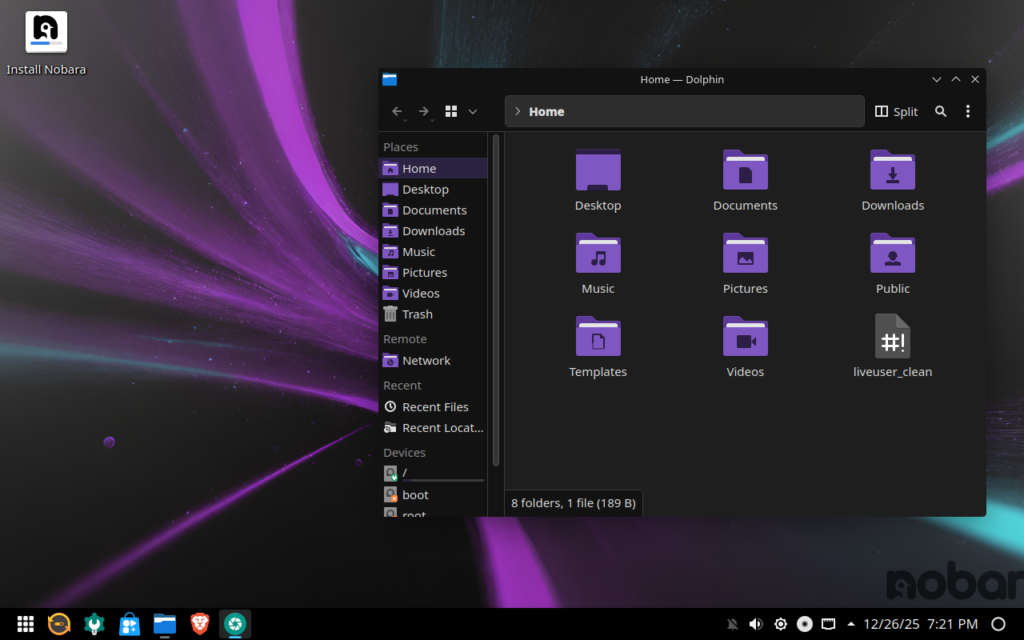
Performance
Nobara is built to reduce setup friction for gamers. It features gaming-tuned NVIDIA and AMD drivers, it already includes Steam, Lutris, Gamescope, Gamemode, MangoHud, and ProtonPlus for GE-Proton.
Very strong out of the box, especially if you want a distro that already feels gaming-prepared without much manual setup.

Stability
Nobara is Fedora-based, which usually gives it a solid balance between modern packages and general reliability. But because it adds gaming-focused tweaks and customizations, it is not quite the same as plain Fedora in terms of predictability.
Generally stable, but still more specialized than a plain mainstream distro.
Support
Nobara has official documentation focused on setup, gaming tools, and install guidance. It explains how to use GE-Proton, MangoHud, Lutris, and GPU-specific setup paths such as separate NVIDIA ISOs. That makes support feel practical for gamers.
Good gaming-focused support, especially for people who want guided help around actual gaming tools.
Ease of use
Nobara is one of the easiest gaming distros for people who do not want to do much setup. It already includes major gaming tools and provides preloaded NVIDIA ISOs, which removes a lot of the common Linux gaming friction.
Pros
- Gaming tools are already included out of the box.
- NVIDIA and AMD gaming-focused tuning is a major advantage.
- Easier for beginners than more advanced gaming distros.
Cons
- Official minimum hardware specs are not clearly laid out in a simple table on the docs checked.
- Requires UEFI and Secure Boot to be disabled, which can complicate setup on some systems.
- More specialized than a plain mainstream distro, so it may not appeal to everyone.
Bazzite Linux
Minimum Requirement
RAM: 8GB
Disk: 50GB Storage
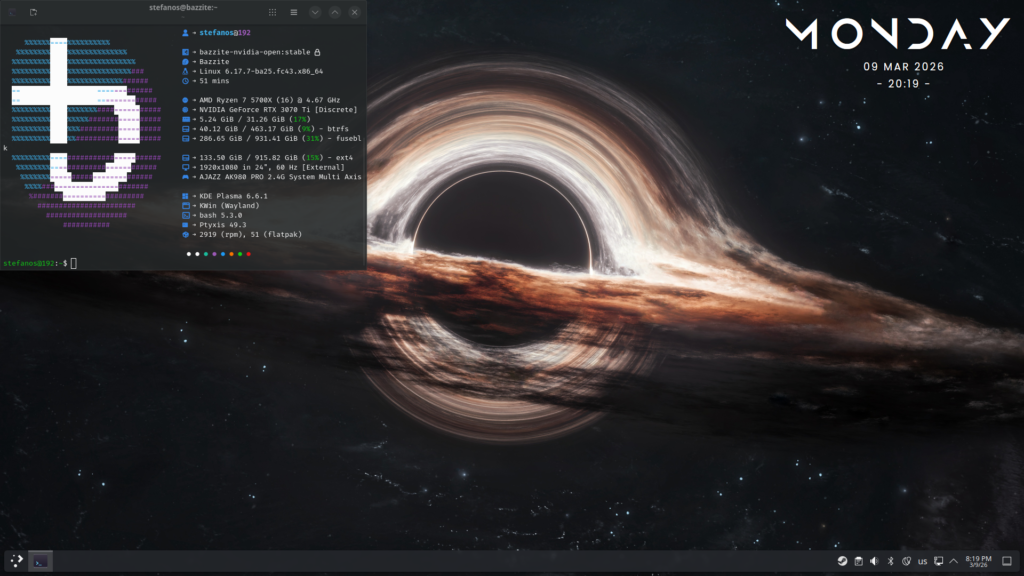
Performance
Bazzite is also very gaming-focused. Steam and gaming utilities are part of the base OS, and it is built on Fedora Atomic. It also supports rollback tools and ships in Steam-like and desktop-oriented variants, which makes it a strong performer for gaming-first systems.
Excellent gaming performance potential, especially for users who like a console-style or Steam-centered experience.
Stability
Bazzite has a stable Fedora Atomic base and built-in rollback options. The desktop edition is maintenance-friendly, with updates downloaded automatically and applied on restart, and rollback tooling is officially provided.
Support
Bazzite has some of the cleanest documentation. Its docs cover installation, hardware compatibility, rollbacks, rebasing, troubleshooting, and edition differences.
Ease of use
Bazzite is more structured and appliance-like. Its desktop and deck variants make it approachable, and its rollback model reduces fear around updates. But its Atomic model can feel less familiar to people used to traditional Linux package management.
Pros
- Steam and gaming tools are part of the base OS.
- Strong rollback and rebase support make it safer to recommend.
- Desktop and deck-style variants give it flexibility.
Cons
- Atomic workflow is not as familiar as a normal distro for some users.
- UEFI-focused installation and image selection can feel more “system-specific” than a standard beginner distro.
- Best understood as a curated platform, not just a standard Fedora install with extras. That may be a learning curve for some users.
3. Garuda Linux
Minimum Requirement
RAM: 4GB
Disk: 30GB Storage
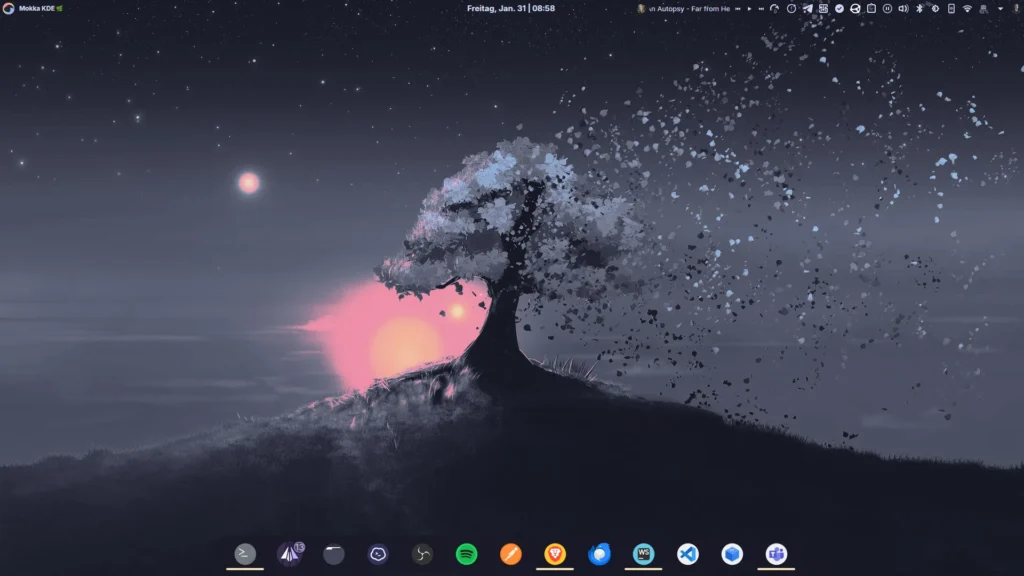
Performance
Garuda is Arch-based, rolling release, and gaming-friendly. Much of the gaming setup is already handled through Garuda Gamer, and its apps include utilities for games, emulators, launchers, drivers, and gaming peripherals. Because it is Arch-based and rolling, it generally gets newer packages faster than more conservative distros.
Potentially excellent, especially for enthusiasts who want newer packages and more control.
Stability
Garuda is naturally less conservative. That does not mean it is bad, but it does mean more moving parts and more frequent package churn. Garuda does help with snapshot restore through Snapper and BTRFS Assistant, which softens the risk, but the distro still expects a bit more comfort with maintenance and troubleshooting.
Support
Garuda has solid documentation too, especially around gaming, snapshots, apps, installation, and maintenance. But because it is Arch-based and rolling, some of its support culture leans more toward users being willing to learn and troubleshoot a bit more.
Ease of use
Garuda is easier than plain Arch, thanks to Garuda Gamer, Garuda Settings, snapshot tools, and its polished installer. But it is still the most enthusiast-leaning option here. Even Garuda’s own materials and community culture imply a more hands-on experience than the other two.
Pros
- Rolling-release freshness gives you fast access to newer software and drivers.
- Garuda Gamer and related tools make gaming setup easier than on plain Arch.
- Snapper/BTRFS restore tools are a real safety net.
Cons
- Rolling release means more maintenance risk than the other two.
- Garuda itself warns that dual-booting with Windows is unsupported and that VMs are not recommended, which tells you it is less “plug and play” in edge cases.
- Better suited to users comfortable learning and tweaking.
FINAL VERDICT
1. Nobara — Best Overall for Most Gamers
Nobara is the easiest recommendation if you want a traditional desktop Linux gaming distro that already has most of the right tools and tweaks in place.
2. Bazzite — Best for Stability and Console-Like Gaming
Bazzite is the best choice if you want a more locked-in, polished, rollback-friendly gaming experience with a strong Steam-first identity.
3. Garuda — Best for Power Users and Tinkerers
Garuda is excellent for people who want newer packages, an Arch-based setup, and more control, but it is not the first one I would hand to every beginner.
Overall, Nobara is the best choice for most gamers, Bazzite is the safest and most polished option, and Garuda is best for users who want more control and don’t mind a more hands-on experience.
