


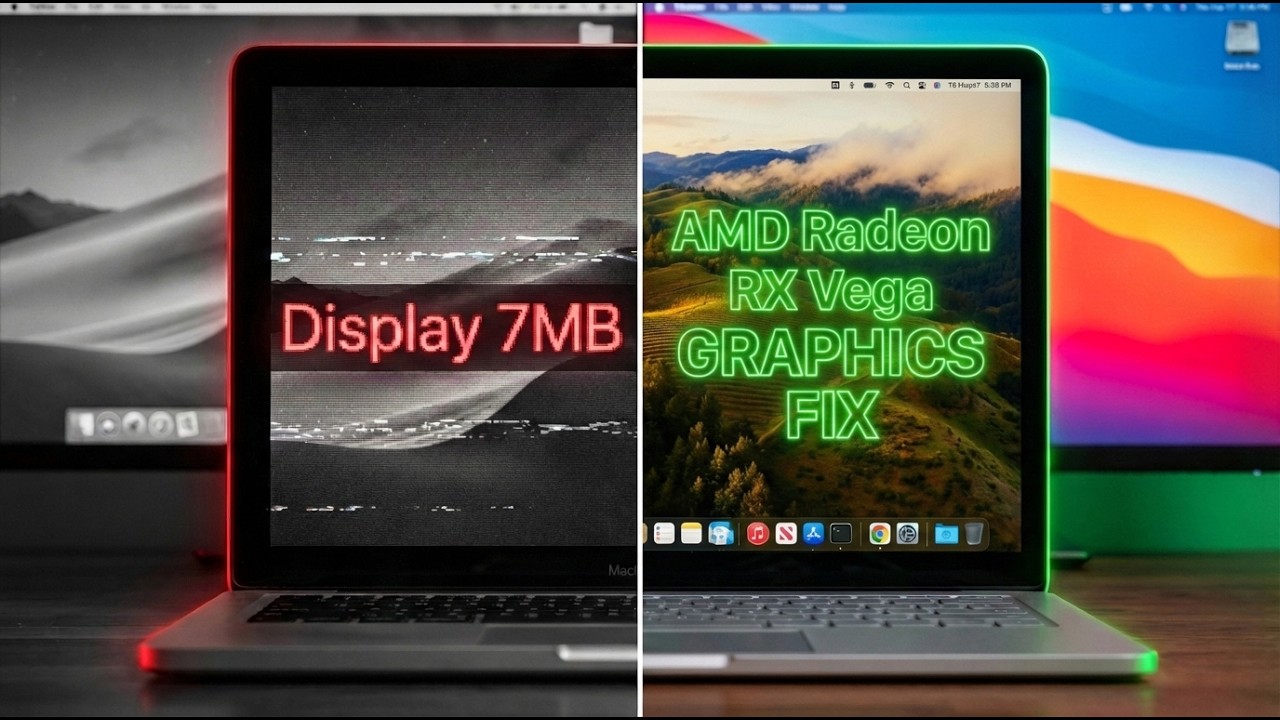
In this guide, I’ll show you through how to fix 11MB display memory when running macOS Opencore Hackintosh on AMD Ryzen APU with Vega Graphics (Vega 7, Vega 8, Vega 11, etc.).
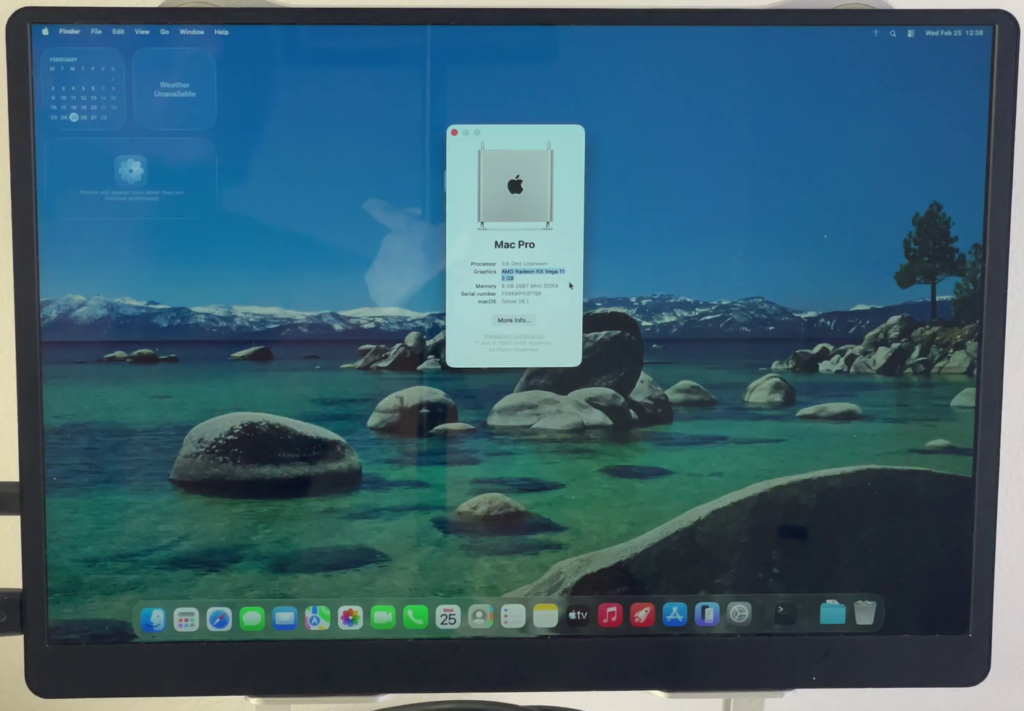
In “About This Mac,” it shows 11 MB of display memory. Thanks to the amazing open-source work from ChefKissInc, the NootedRed kext brings full graphics acceleration to AMD Vega iGPUs on macOS — up to the latest versions (compatible from macOS 10.15 Catalina all the way through macOS 26 Tahoe).
REQUIREMENTS
- An OpenCore EFI folder (from your USB installer or main drive)
- Tools:
Compatibility Quick Check:
- Supported: Ryzen 2000–5000 series APUs with Vega iGPU (Raven Ridge, Picasso, Renoir, Cezanne, Lucienne, etc.)
- Not for: non-Vega iGPUs or Dedicated AMD GPUs (use WhateverGreen or NootRX instead)
Step 1:
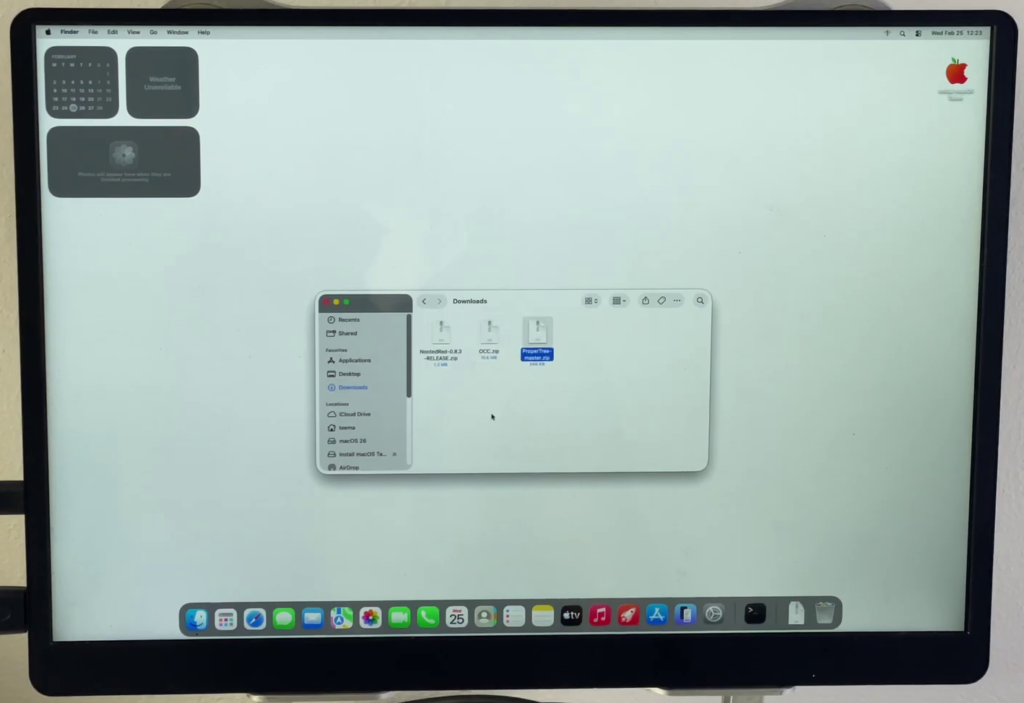
Download and extract NootedRed — you’ll get NootedRed.kext.

Install and run OpenCore Configurator (if macOS blocks it, go to System Settings > Privacy & Security > Allow Anyway).
Download and run ProperTree (launch Propertree.command).
Step 2:
- Mount the EFI partition on your USB installer (if using one) and your main macOS drive.
- Copy your Opencore EFI to your Desktop as a working copy (and backup the original).
Step 3:
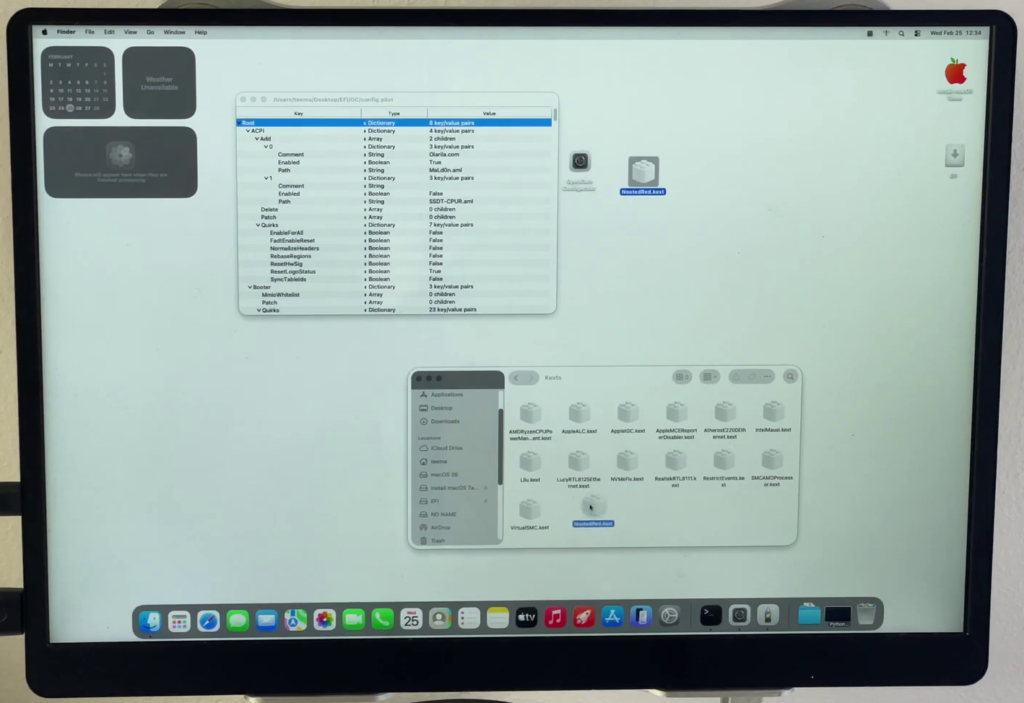
- In your copied EFI folder, navigate to EFI/OC/Kexts.
- Delete WhateverGreen.kext.
- Copy NootedRed.kext into the Kexts folder.
Step 4:
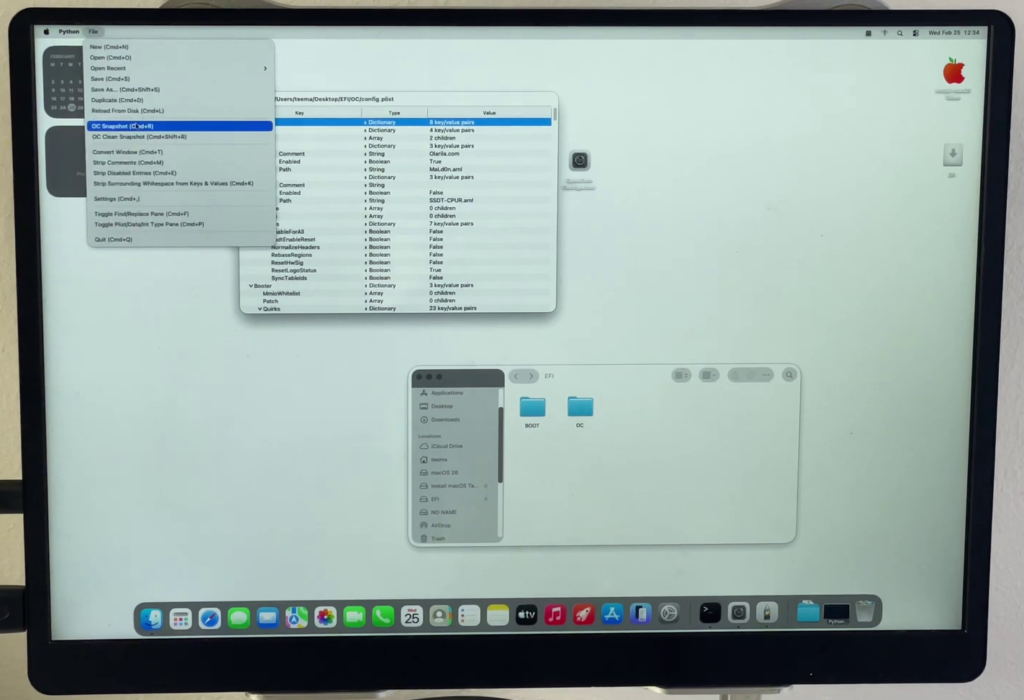
- Open ProperTree and load your config.plist (File > Open > select EFI/OC/config.plist from Desktop copy).
- Take a snapshot for safety: File > OC Snapshot (or Cmd + R).
- Save the file (Cmd + S).
Step 5:
- Mount your main macOS drive’s EFI partition.
- Delete the old EFI folder on the main drive (or rename it as backup).
- Copy your modified EFI folder from Desktop to the main drive’s EFI partition.
- Eject safely.
Step 6:
- Shut down, remove the USB if used, and boot directly into macOS from your drive.
- Log in, open About This Mac
The desktop should feel snappy — smooth scrolling, proper transparency, working animations, and no more lag!
Troubleshooting Tips
- NootedRed GitHub: https://github.com/ChefKissInc/NootedRed
- OpenCore Configurator: https://etechbox.com/download/download-opencore-configurator/
- ProperTree: https://github.com/corpnewt/ProperTree
- Video Tutorial: https://www.youtube.com/watch?v=vVd0Rn1PPgw
