


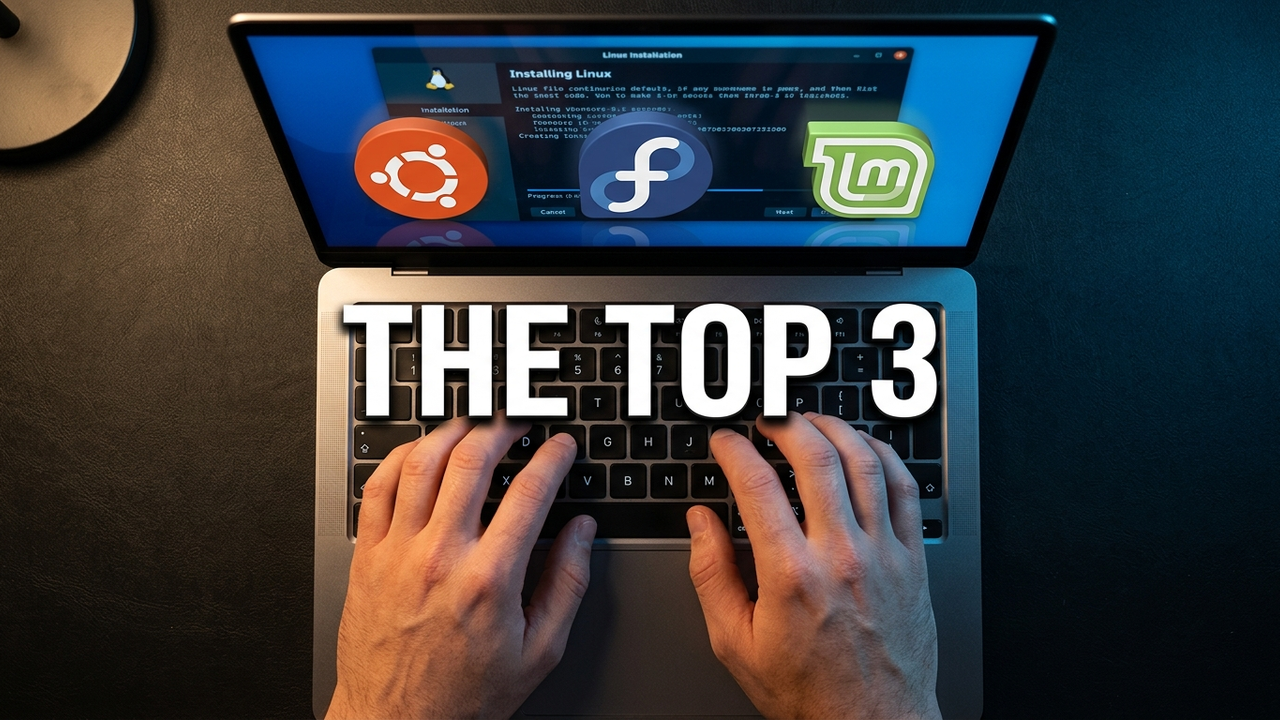
Whether you are switching from Windows, moving away from macOS, or simply looking for a Linux distro that works reliably every day, choosing the right distribution matters.
The Linux desktop ecosystem has improved massively over the years. Modern Linux distributions are now easier to install, better optimized, and far more beginner-friendly than they used to be.
But not every distro is ideal for daily use.
Some prioritize customization over stability. Others focus heavily on advanced users and developers. For most people, the best Linux distro is one that simply works reliably for everyday tasks like browsing, programming, gaming, office work, media consumption, and general productivity.
This ranking is based on:

- Stability
- Ease of use
- Software availability
- Performance
- Driver support
Here are the top 3 Linux distros I would recommend for daily use in 2026.
Fedora Linux
Minimum Recommended Requirements
- 4GB RAM
- 40GB Storage
Fedora has evolved significantly over the years and has become one of the most polished Linux desktop experiences available today.
It strikes one of the best balances between modern software, performance, security, and stability.
Stability
Fedora manages to stay modern without becoming unstable.
Unlike rolling-release distributions such as Arch Linux, Fedora maintains a structured release cycle while still delivering relatively up-to-date software.
That balance is one of Fedora’s biggest strengths.
You get newer technologies without sacrificing overall reliability.
Ease of Use
Fedora is much easier to use today than it was years ago.
The installation process feels polished, the GNOME desktop experience is clean, and the overall workflow feels professional.
It may not be quite as beginner-focused as Linux Mint, but it is still approachable for most users.
Software Availability
Fedora has excellent software support, especially for developers and modern Linux workflows.
It integrates very well with Flatpak and often receives newer Linux technologies earlier than many other distributions.
For programming, containers, virtualization, and development work, Fedora is especially strong.
Performance
Fedora feels fast, responsive, and highly optimized.
The desktop experience feels modern and refined without unnecessary clutter.
Animations, responsiveness, and overall system fluidity are excellent on supported hardware.
Driver Support
Fedora supports most modern hardware very well.
AMD hardware support is particularly strong.
NVIDIA setup may require a few additional steps compared to Ubuntu or Mint, but once configured properly, the experience is generally solid.
Linux Mint
Minimum Recommended Requirements
- 2GB RAM
- 20GB Storage
Linux Mint has quietly become one of the best Linux distros for normal everyday users, especially people switching from Windows.
It focuses heavily on simplicity, stability, and usability rather than trying to reinvent the desktop experience.
Stability
Linux Mint is extremely stable because it is built on Ubuntu LTS releases, which themselves are based on Debian.
That gives Mint a very reliable foundation for long-term use.
System updates are generally safe, predictable, and beginner-friendly.
Ease of Use
Mint is arguably the most beginner-friendly Linux distro available today.
The Cinnamon desktop environment feels familiar immediately, especially for Windows users.
The layout is clean, traditional, and easy to understand:
- Start menu
- Taskbar
- System tray
- File explorer workflow
For many users, Linux Mint feels comfortable right after installation without requiring major customization.
Software Availability
Because Mint is Ubuntu-based, you still get access to almost the same software ecosystem:
- Ubuntu repositories
- Developer tools
- Gaming platforms like Steam
- Flatpak applications
- Most mainstream Linux software
You lose very little compared to Ubuntu in terms of software compatibility.
Performance
This is where Linux Mint really shines.
Mint is noticeably lighter and faster than Ubuntu in many cases while still looking modern and polished.
It performs exceptionally well on older hardware.
Even older laptops from the late 2000s can often run Linux Mint surprisingly smoothly.
For users trying to revive aging hardware, Mint is one of the best options available.
Driver Support
Linux Mint handles hardware very well out of the box.
Wi-Fi, Bluetooth, NVIDIA GPUs, printers, and common peripherals usually work without much manual configuration.
The built-in driver management tools also make setup easier for beginners.
Ubuntu Linux
Minimum Recommended Requirements
- 4GB RAM
- 25GB Storage
Ubuntu remains one of the most recognized Linux distributions in the world, and for good reason.
It is widely used by developers, companies, schools, cloud environments, and even enterprise servers. Because of its massive ecosystem and long-term support releases, Ubuntu continues to be one of the safest choices for daily driving Linux in 2026.
Stability
Ubuntu is extremely stable, especially the LTS (Long-Term Support) versions.
The development cycle is mature, updates are predictable, and major bugs are usually resolved quickly due to the size of the Ubuntu community.
For users who want a Linux distro they can install and rely on long-term without constantly troubleshooting issues, Ubuntu remains a strong option.
Ease of Use
Ubuntu is still one of the easiest Linux distributions for beginners.
The installation process is simple, hardware detection works well, and most drivers install automatically during setup.
One major advantage of Ubuntu is its community support.
If you search something like:
"How to Install VS Code on Linux"
there is a very high chance the tutorial was written for Ubuntu first.
That makes troubleshooting and learning Linux significantly easier for new users.
Software Availability
This is one of Ubuntu’s biggest strengths.
Most Linux software officially supports Ubuntu before other distributions.
That includes:
- Development tools
- Productivity software
- Gaming platforms
- Third-party applications
- Drivers and utilities
If a Linux application has official installation instructions, Ubuntu is usually the first distro listed.
Performance
Ubuntu performs very well on modern hardware, though it is slightly heavier compared to lighter distributions like Linux Mint.
On older laptops or lower-end systems, you may notice higher RAM usage compared to XFCE-based distributions or Mint.
Still, for most modern PCs, Ubuntu performs smoothly for everyday use.
Driver Support
Ubuntu has some of the best hardware compatibility in the Linux ecosystem.
NVIDIA drivers are relatively easy to install, Wi-Fi adapters are generally detected properly, and many hardware manufacturers test Linux compatibility using Ubuntu specifically.
For beginners, this level of compatibility matters a lot.
You get broad hardware support combined with one of the largest Linux communities available.
Final Verdict
So which Linux distro should you choose in 2026?
Choose Fedora
If you want the best balance between modern software, performance, stability, and a polished Linux desktop experience.
Choose Linux Mint
If you are new to Linux and want something lightweight, beginner-friendly, stable, and easy to use.
Choose Ubuntu
if you want the largest Linux ecosystem, massive software compatibility, enterprise adoption, and long-term community support.
At the end of the day, all three are excellent choices for daily use.
The best Linux distro is ultimately the one that fits your workflow, hardware, and personal preferences.
Which Linux distro do you daily drive and why?
